

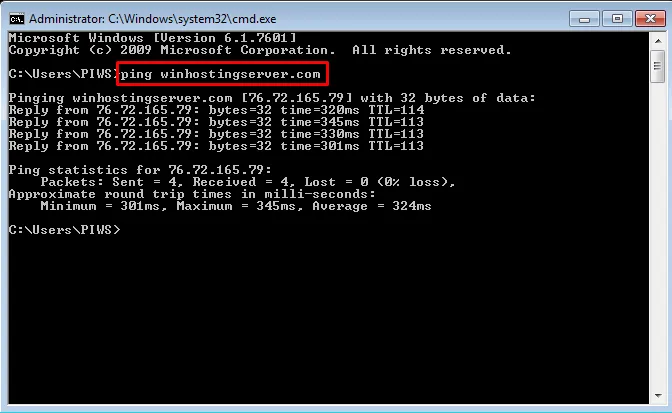
Type “ping hostname” or “ping IP address” in Command Prompt and hit Enter key. A hostname is typically is a website address without http://. .Replace hostname with the website or server IP that you want to ping. For example,to ping winhostingserver.com web server,type “ping winhostingserver.com”
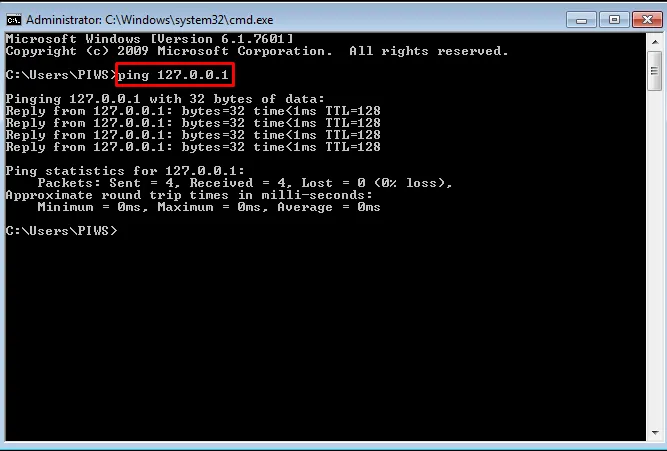
An IP address is a computer’s location on a network, either locally or on the internet. If you know the IP address that you want to ping, then replace IP address with it. For example, to ping the IP address 192.168.0.1, type “ping 192.168.0.1”. To ping your own local computer itself, type “ping 127.0.0.1”
Related Article:How to generate a Traceroute report